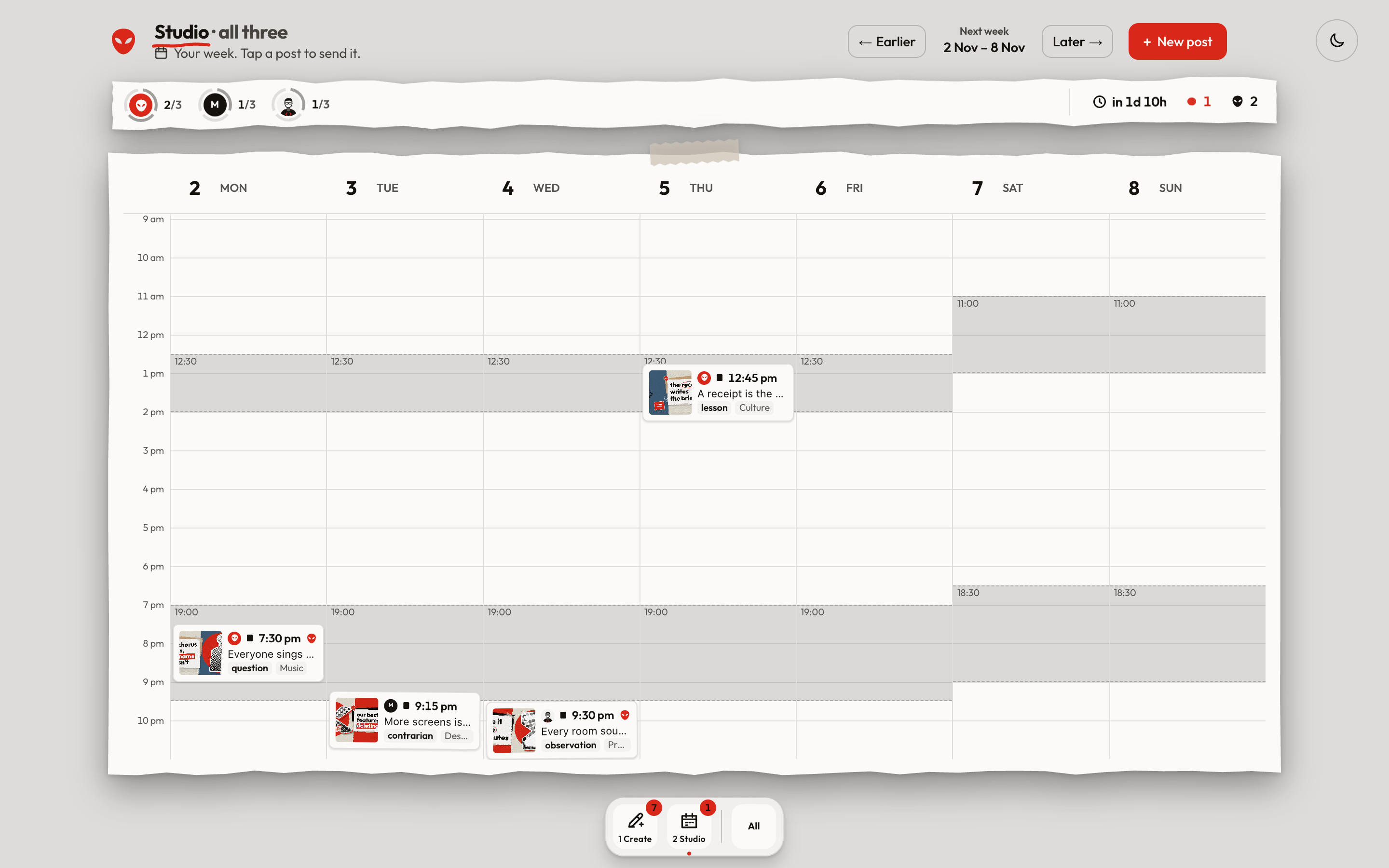
alienX writes your X. You press post.
It finds ideas, writes in your voice, draws the picture and books the time. Nothing posts until you tap. Runs on your Mac or Windows PC. Free with your Claude plan.
- 1Open the zip
- 2Double-click alienX
- 3Make your account handle, topics, writing style
Mac. First open only: System Settings → Privacy & Security → Open Anyway.
Needs Node 24+, Google Chrome and the Claude Code CLI signed in.
Windows. First open only: Windows asks once — More info → Run anyway.
Needs Node 24+, Git, the Claude Code CLI signed in, and Chrome or Edge.